
VBGRAMG Muster Roll View
Select your State or Union Territory below to view official online muster rolls, daily worker attendance (P/N), wage rates, NMMS mobile attendance, and bank credit dates under VB-GRAM-G and MGNREGA.
Official VB-GRAM-G mustlogin portal for Gram Panchayat Muster Rolls
RAJASTHAN
राजस्थान
Click the button below to open the official VB-GRAM-G Muster Roll portal (नीचे दिए गए बटन पर क्लिक करें)
Next Steps on the Portal / पोर्टल पर अगला तरीका:
Looking to check today's live worksite attendance?
View real-time NMMS mobile attendance uploads, geo-tagged photos, and worker presence before the muster roll is generated.
How to Check VB-GRAM-G Muster Roll Online (Step-by-Step Guide)
Follow these steps on the official portal to track worker attendance and daily wages.
Step 1: State Login, Financial Year & Block Selection
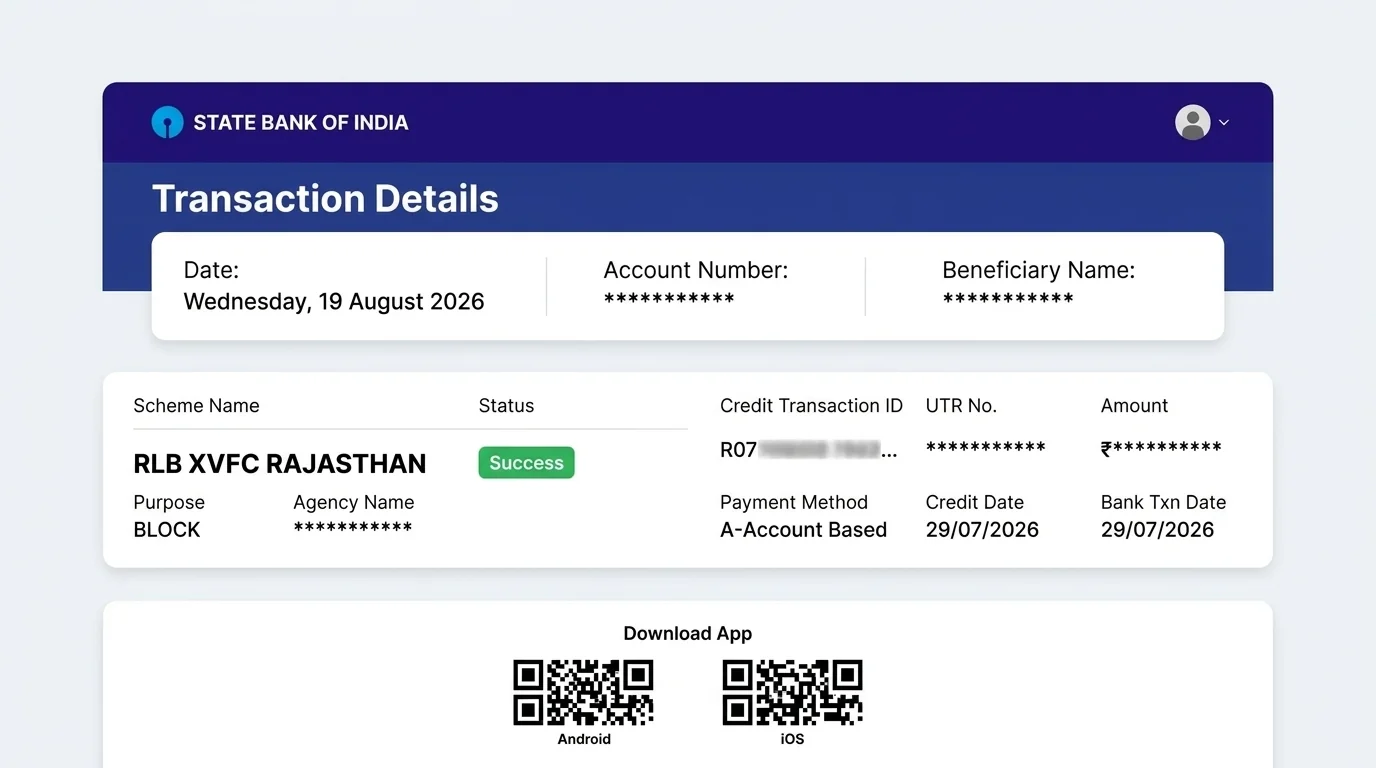
When you select your State above and click the button, the official Department of Rural Development login screen opens. Select the Financial Year (e.g. 2026-2027), choose your District, select your Block, and click Proceed.
Step 2: Choose Muster Roll Type & Enter Work Code (कार्य संहित)
Choose whether you want to inspect a Filled Muster roll (कार्य पूरा होने के बाद भरी गई हाजिरी) or an Issued Muster roll (जारी किया गया खाली मस्टर रोल). In the Search Key for Work box, enter your unique work code and click the Search icon (कार्य खोजें).
Step 3: Select Work Name & MSR Number (एम एस आर संख्या)
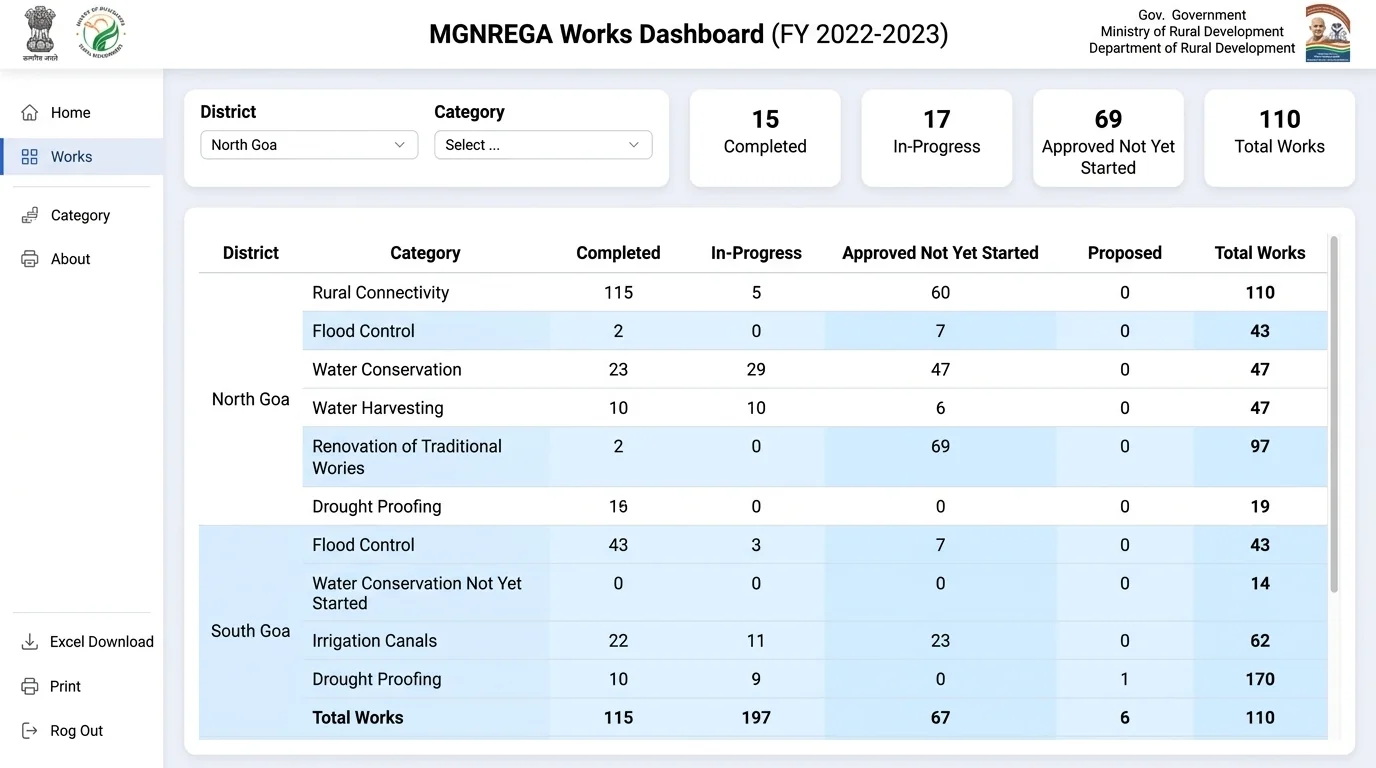
From the Work dropdown, select your project name (e.g. plantation work, pond renovation, or village road). Next, select the MSR Number (मस्टर रोल संख्या) for the work period. The full official worker attendance sheet, wage payment details, and bank account credit statuses will instantly appear on your screen.
What Information is Recorded on the Muster Roll?
When you open a filled muster roll, the table shows the complete work record, attendance, and bank payment status for every worker assigned to that job period.
1Worker Details & Job Card Number (नाम व पंजीकरण संख्या)
Lists the worker's name, relation (such as Self, Son, or Wife), caste category (SC/ST/OTHER), village name, and their registered 16-digit Job Card number.
2Daily Attendance Columns (दैनिक हाजिरी)
Numbered columns (such as 1 to 14 or the sanctioned work days) record daily attendance with P for Present and A or N for Absent on each day of work.
3Yellow Highlighted Rows (Mobile App Attendance)
Rows highlighted in yellow indicate that attendance was captured live on the worksite using the NMMS mobile app with time-stamped, geo-tagged photos.
4Total Days & Wage Calculation (कुल हाजिरी व देय राशि)
Displays total days worked (कुल हाजिरी) multiplied by the state's daily wage rate (प्रतिदिन मजदूरी) to calculate the total payment amount (कुल भुगतान).
5Bank & Branch Details (बैंक / डाकघर विवरण)
Shows the worker's linked Bank or Post Office name, branch location, and IFSC / branch code where wages are electronically credited via DBT.
6Wagelist Number & Credit Date (वेजलॉग नंबर व क्रेडिट तिथि)
Contains the unique Wagelist ID (e.g. 3133008WL...) and the exact date when the wage transfer was credited to the beneficiary's bank account.
7Attendance Taken By (हाजिरी लेने वाले मेट का नाम)
Displays the name of the designated Gram Panchayat Mate or Rozgar Sahayak who took the daily attendance on site.
8eKYC Status & Measurement Book (ई-केवाईसी व एम.बी. विवरण)
Confirms Aadhaar e-KYC verification status and provides the Measurement Book reference (MB No. and Page No.) recorded by the Junior Engineer.
Who Should Use the VB-GRAM-G Muster Roll Portal?
The online muster roll is public information under Section 17 of the Act. The following stakeholders actively use this portal:
NREGA Workers & Laborers
Verify whether your daily attendance (P) was marked by the mate and verify if wages were credited to your bank account.
Panchayat Representatives
Sarpanch, Ward Members, and Gram Sachiv track ongoing village works and check pending wage liabilities.
Social Audit Teams & Citizens
Inspect physical vs recorded labor attendance, verify ghost workers, and cross-reference Measurement Book entries.
ज़मीनी हकीकत व जरूरी सलाह (NREGA Muster Roll & Wage Verification Guidance)
जारी बनाम भरे हुए मस्टर रोल का अंतर, NMMS पीला हाइलाइट कोड, eMB कार्य माप व 15 दिन भुगतान नियम
मनरेगा में दो प्रकार के मस्टर रोल होते हैं। पहला, Issued Muster Roll: जब काम शुरू होता है, तो 6 या 14 दिनों के कार्य चक्र के लिए मस्टर रोल जारी होता है जिसमें पंजीकृत श्रमिकों के नाम छपे होते हैं। दूसरा, Filled Muster Roll: कार्य चक्र पूरा होने पर जब मेट (Mate) और कनिष्ठ अभियंता (TA/JE) द्वारा वास्तविक हाजिरी और कार्य माप दर्ज कर दी जाती है, तब यह 'Filled' बनता है। Filled मस्टर रोल लॉक होने के बाद ही मजदूरी की वेजलिस्ट (Wagelist) और FTO जनरेट होता है।
मस्टर रोल में प्रतिदिन की उपस्थिति NMMS मोबाइल ऐप से ऑटो-पॉप्युलेट होती है। पोर्टल पर मस्टर रोल देखने पर जो पंक्तियां या सेल पीले रंग (Yellow) में हाइलाइट होते हैं, वे दर्शाते हैं कि उस दिन की हाजिरी मोबाइल ऐप के माध्यम से लाइव कार्यस्थल पर खींची गई जियो-टैग्ड फोटो द्वारा सत्यापित की गई है। यदि किसी मजदूर ने 10 दिन काम किया लेकिन मस्टर रोल में कम दिन (P) दिख रहा है, तो तुरंत रोजगार सहायक से संपर्क कर सिंक डेटा जांचें।
मनरेगा में मजदूरी केवल उपस्थिति पर नहीं बल्कि किए गए कार्य (Out-turn / Task Rate) की वास्तविक माप पर निर्भर करती है। तकनीकी सहायक (TA) या JE द्वारा इलेक्ट्रॉनिक मेजरमेंट बुक (eMB) में दर्ज माप के आधार पर प्रति व्यक्ति दैनिक मजदूरी तय होती है। यदि समूह द्वारा निर्धारित कार्य माप पूरा नहीं किया जाता, तो दैनिक दर से मजदूरी में आनुपातिक कटौती हो सकती है। इसलिए मस्टर रोल में 'MB Number' व 'Rate of Wage' जरूर जांचें।
मनरेगा कानून की अनुसूची-II के पैरा 29 के अनुसार, मस्टर रोल बंद होने के 15 दिनों के भीतर मजदूरी बैंक खाते में जमा होना कानूनी अधिकार है। यदि 16वें दिन से भुगतान में देरी होती है, तो प्रतिदिन बकाया राशि का 0.05% विलंब मुआवजा स्वतः मिलने का नियम है। यदि पंचायत स्तर पर मस्टर रोल रोकने या फर्जी हाजिरी की शिकायत हो, तो जिले के मनरेगा लोकपाल (Ombudsman) या हेल्पलाइन 1800-345-6527 पर निःशुल्क शिकायत दर्ज कराएं।
अक्सर पूछे जाने वाले सवाल (Frequently Asked Questions)
नरेगा / VB-GRAM-G मस्टर रोल, कार्य कोड, हाजिरी, वेजलिस्ट व भुगतान सत्यापन से जुड़े मुख्य प्रश्न:
ऊपर दिए गए मस्टर रोल पोर्टल पर जाएं। अपना राज्य, वित्तीय वर्ष और जिला चुनें। इसके बाद अपनी ग्राम पंचायत चुनकर 'Filled Muster Roll' या 'Issued Muster Roll' विकल्प चुनें। अपने कार्य का नाम (Work Name) व मस्टर रोल (MSR) संख्या सेलेक्ट करें। स्क्रीन पर पूरी हाजिरी, कार्य दिवस और देय राशि की सूची आ जाएगी। इसे प्रिंट करने के लिए Ctrl+P या मोबाइल पर 'Share → Print' से PDF के रूप में डाउनलोड कर सकते हैं।
'Issued Muster Roll' वह प्रारंभिक प्रपत्र है जो कार्य शुरू होने से पहले जारी किया जाता है जिसमें काम आवंटित किए गए श्रमिकों के नाम दर्ज होते हैं। जबकि 'Filled Muster Roll' कार्य चक्र (Fortnight) पूरा होने के बाद भरा जाता है, जिसमें श्रमिकों की वास्तविक उपस्थिति (दिन), प्रति दिन मजदूरी दर, कार्य माप (Measurement) और कुल देय राशि दर्ज होती है। मजदूरी का भुगतान हमेशा 'Filled' मस्टर रोल के आधार पर होता है।
यदि आपने काम किया है लेकिन मस्टर रोल में गैरहाजिर दिखाया गया है, तो तत्काल अपने कार्यस्थल मेट और ग्राम रोजगार सहायक (GRS) को सूचित करें। मस्टर रोल बंद होने और वेजलिस्ट बनने से पहले मेट NMMS ऐप की सुबह-दोपहर की जियो-टैग्ड फोटो के आधार पर हाजिरी सुधार सकता है। यदि पंचायत स्तर पर सुधार न हो, तो ब्लॉक कार्यक्रम अधिकारी (PO/BDO) को शिकायत पत्र दें।
मस्टर रोल रिपोर्ट में पीले रंग की पंक्तियां या टेक्स्ट यह दर्शाते हैं कि उस श्रमिक की उपस्थिति 'National Mobile Monitoring System (NMMS)' मोबाइल ऐप के माध्यम से लाइव कार्यस्थल पर खींची गई जियो-टैग्ड फोटो से सत्यापित हुई है। यह सरकारी ऑडिट में पारदर्शी और प्रमाणित उपस्थिति मानी जाती है।
मनरेगा कानून के तहत मस्टर रोल बंद होने की तिथि के अधिकतम 15 दिनों के भीतर मजदूरी मजदूर के आधार लिंक बैंक खाते (ABPS/PFMS) में आ जानी चाहिए। यदि 15 दिनों में भुगतान नहीं आता है, तो मजदूर को 0.05% प्रतिदिन की दर से कानूनी विलंब मुआवजा पाने का अधिकार है।
नहीं, मनरेगा नियमों के अनुसार एक मस्टर रोल अधिकतम 6 कार्य दिवस (साप्ताहिक) या 14 कार्य दिवस (पाक्षिक चक्र) के लिए ही जारी किया जाता है। 14 दिन पूरे होने पर पुराना मस्टर रोल बंद कर दिया जाता है और आगे के काम के लिए नया मस्टर रोल नंबर जारी किया जाता है।
जब ग्राम रोजगार सहायक भरे हुए मस्टर रोल को लॉक करता है, तो सिस्टम स्वतः वेजलिस्ट नंबर (जैसे WL00...) जनरेट करता है। मस्टर रोल के सबसे अंतिम कॉलम में वेजलिस्ट नंबर दर्ज होता है। इस वेजलिस्ट नंबर या अपने जॉब कार्ड नंबर से आप हमारे VBGRAMG Payment Status टूल में जाकर FTO और बैंक ट्रांसफर स्टेटस ट्रैक कर सकते हैं।
यदि आपकी पंचायत में फर्जी मस्टर रोल बनाकर बिना काम करने वालों के नाम हाजिरी भरी जा रही है या मृत/प्रवासी लोगों के नाम दर्ज हैं, तो जिले के मनरेगा लोकपाल (Ombudsman) को लिखित शिकायत दें या राष्ट्रीय टोल-फ्री हेल्पलाइन नंबर 1800-345-6527 पर कॉल करें। इसके अलावा राज्य के सीएम हेल्पलाइन या नरेगा जन शिकायत निवारण पोर्टल (CPGRAMS) पर भी ऑनलाइन शिकायत दर्ज कर सकते हैं।