
Link Mobile Number to Voter ID Card
Voter ID number and active phone
Quick verification by local ERO
Instant verification via mobile OTP
Save your Form 8 Reference Number after submission. Once your number is updated in the electoral roll, you can immediately download your digital e-EPIC card with OTP.
Guide to Link Mobile Number via Form 8
Follow these visual steps to complete your mobile number linking on the official ECI portal.
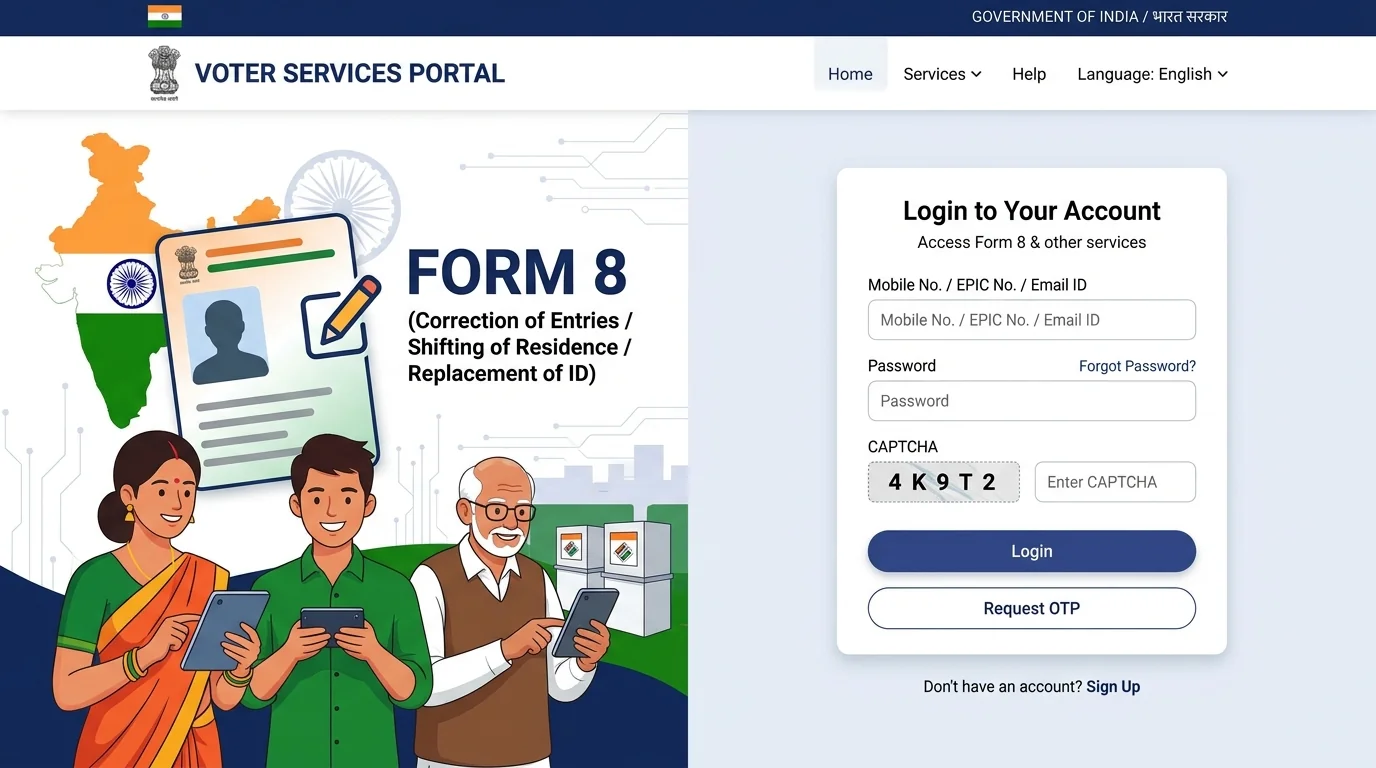
Log In to ECI Portal & Click 'Fill Form 8'
Click above Link Mobile Number buttond. Under the 'Forms' section, locate 'Correction of Entries' (Form 8). Click 'Fill Form 8' and log in with your registered mobile/EPIC number and OTP (or click Sign-Up).
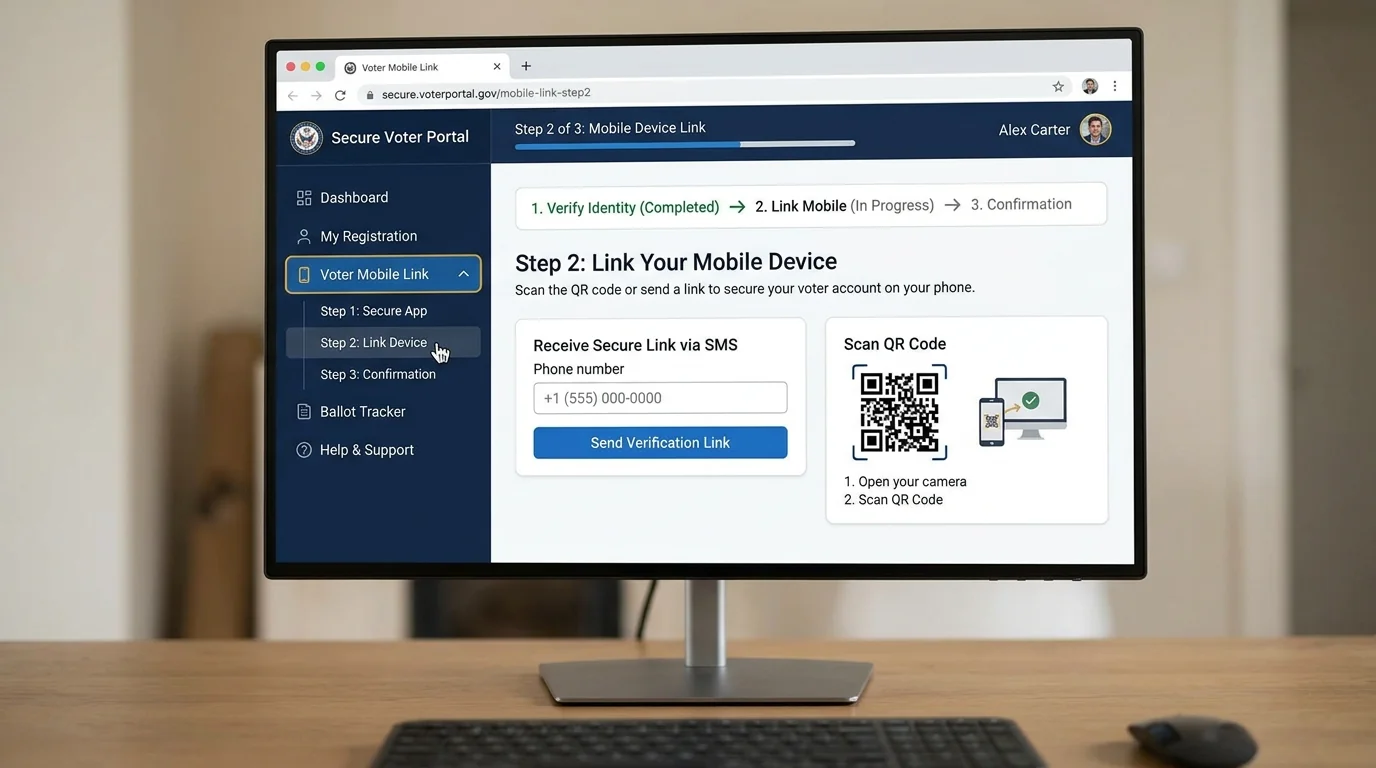
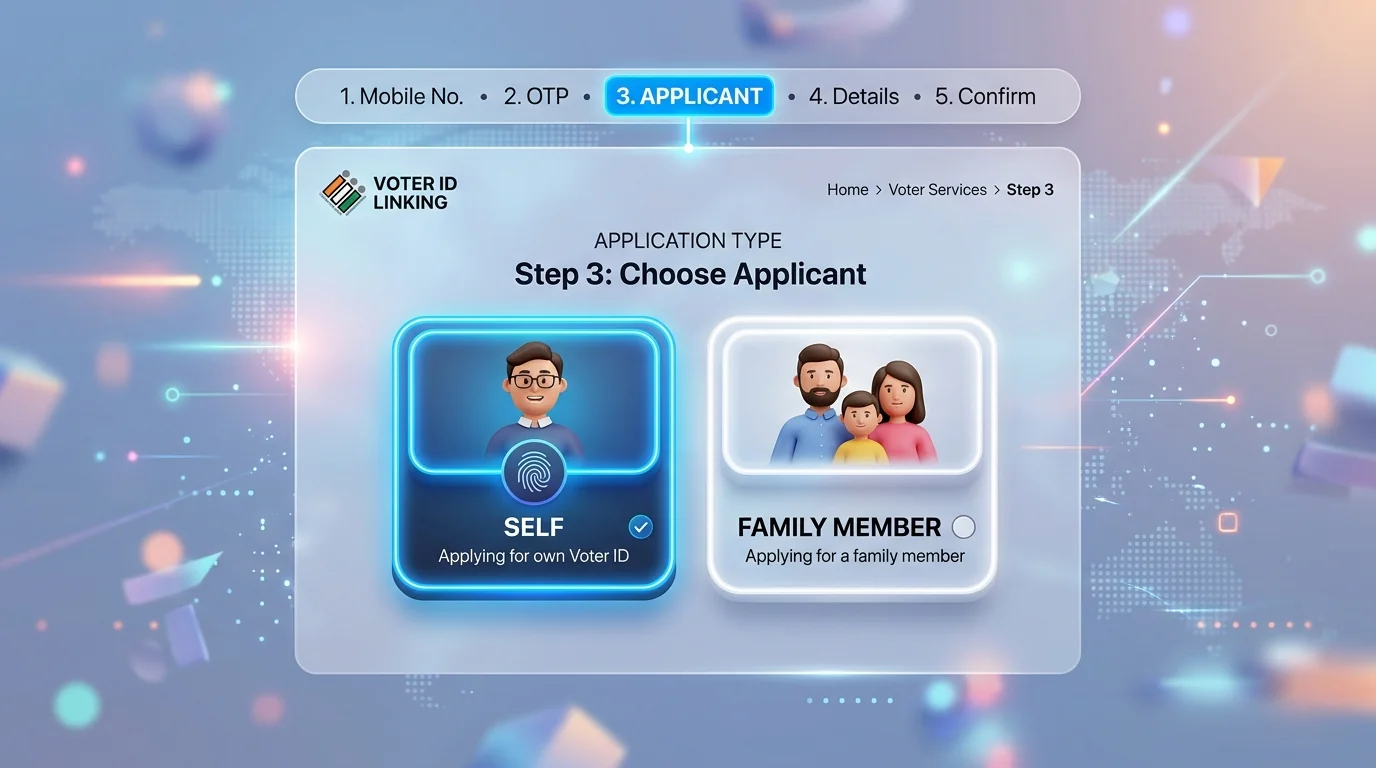
Select 'Self' & Enter 10-Digit Voter ID (EPIC) Number
In the application dialog, select 'Self' (if updating your own voter card) or 'Other elector' (for a family member). Enter your 10-digit EPIC number and click 'Submit'.
Confirm Elector Details & Click 'Ok'
The system displays your Assembly Constituency (AC), Part Number, Serial Number, Name, and Relative Name. Verify that the details are yours and click the blue 'Ok' button.
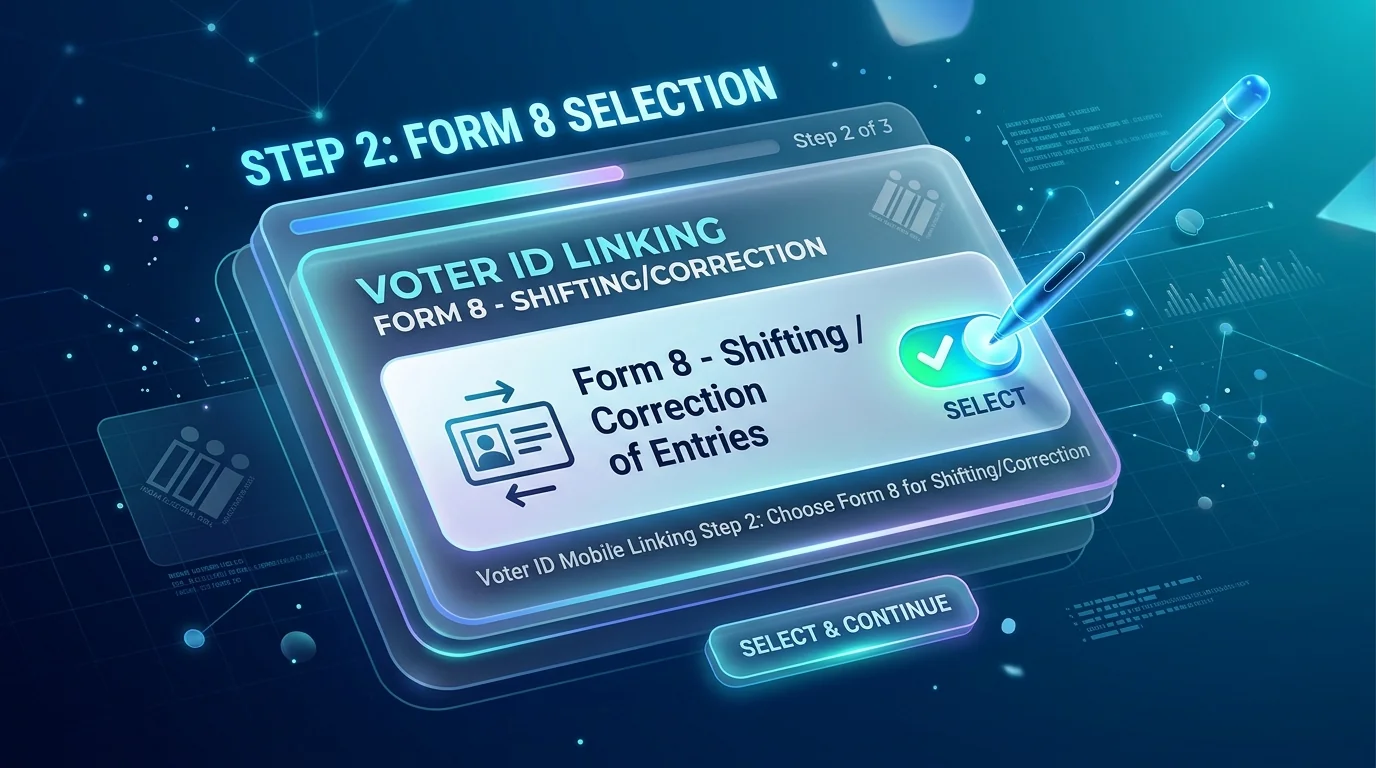
Select 'Correction of Entries in Existing Electoral Roll'
In the application purpose popup, choose the second option: 'Correction of Entries in Existing Electoral Roll' and click 'Ok'.
Check 'Mobile Number' Box & Enter New Mobile Number
Scroll down to Section B/C. Check the box for 'Mobile Number' only. Enter your active 10-digit mobile number in the field and click 'Next'.
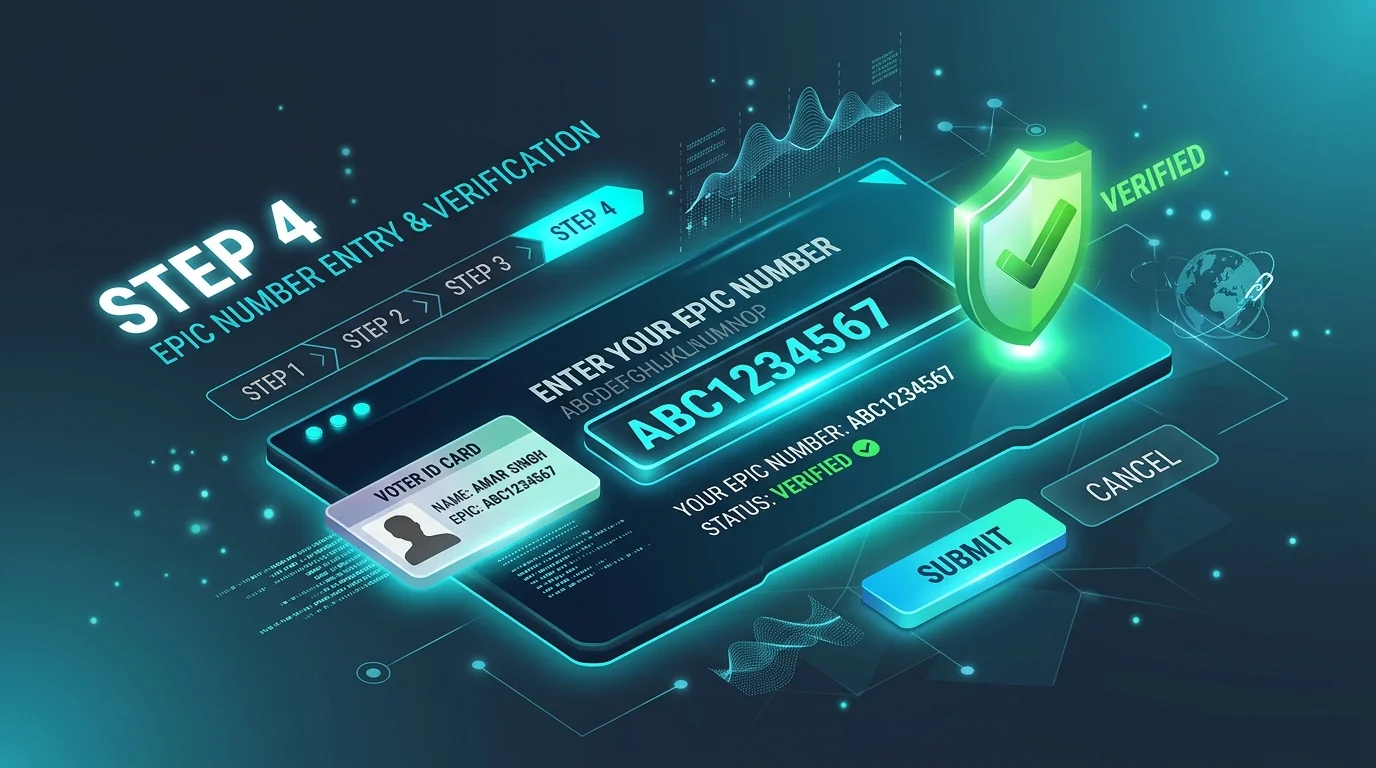
Fill Declaration Place & Click 'Next'
In Section D (Declaration), enter your village, town, or city name in the 'Place' field. The current date is populated automatically. Click 'Next'.
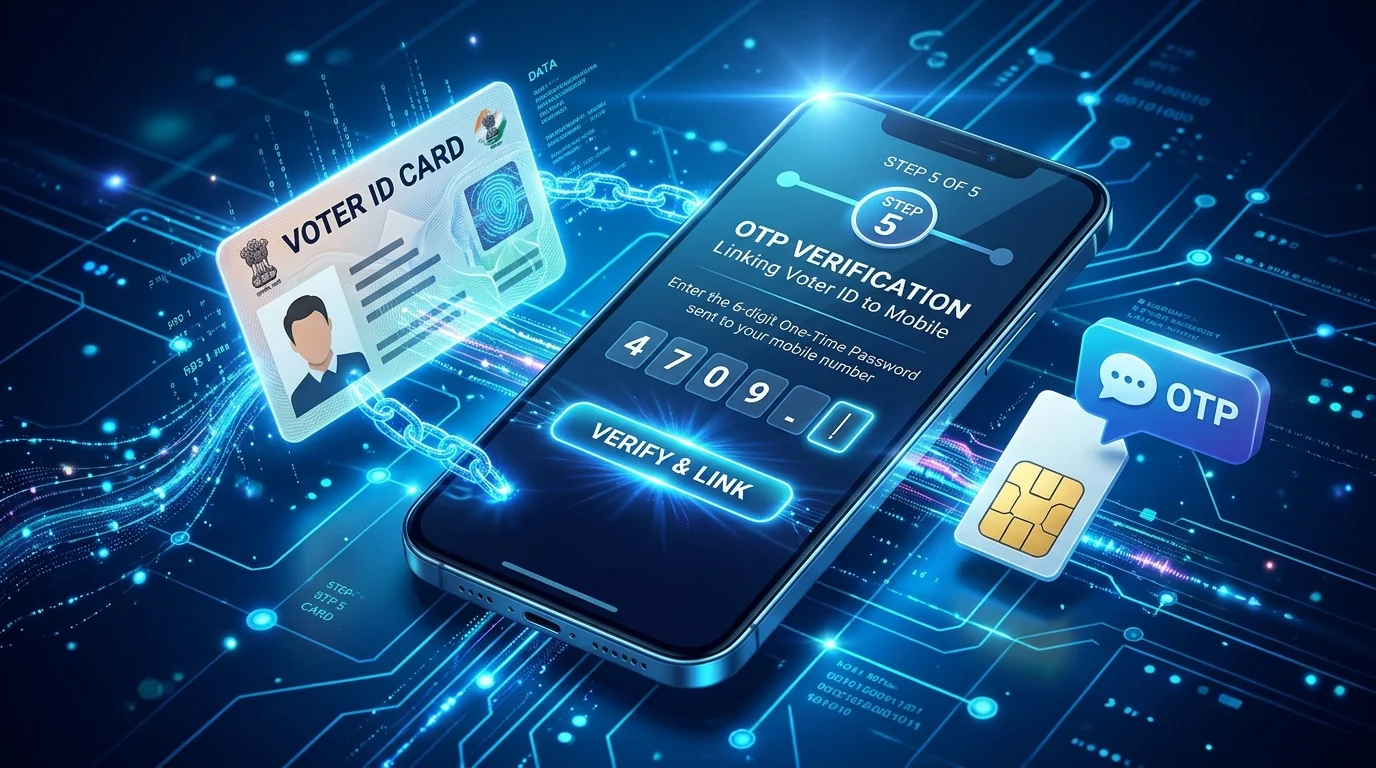
Enter Captcha, Verify Mobile OTP & Click 'Preview and Submit'
In Section E (Submission), enter the Captcha code, click 'Send OTP', enter the 6-digit OTP received on your mobile phone, and click 'Preview and Submit'.
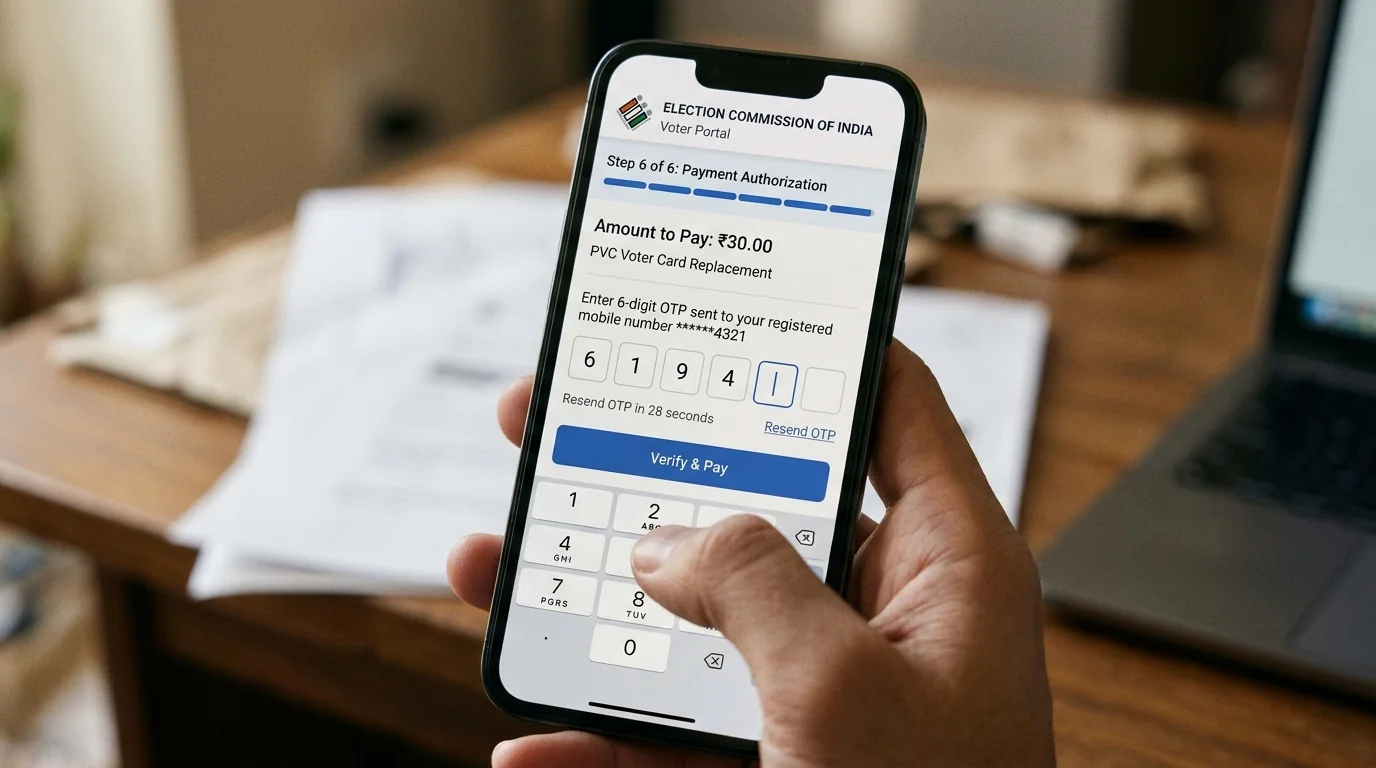
Review Complete Form 8 Preview & Click 'eSign & Submit'
A full preview of your Form 8 application will be generated. Verify all particulars to make sure your EPIC and new mobile number are correct, then click 'eSign & Submit'.
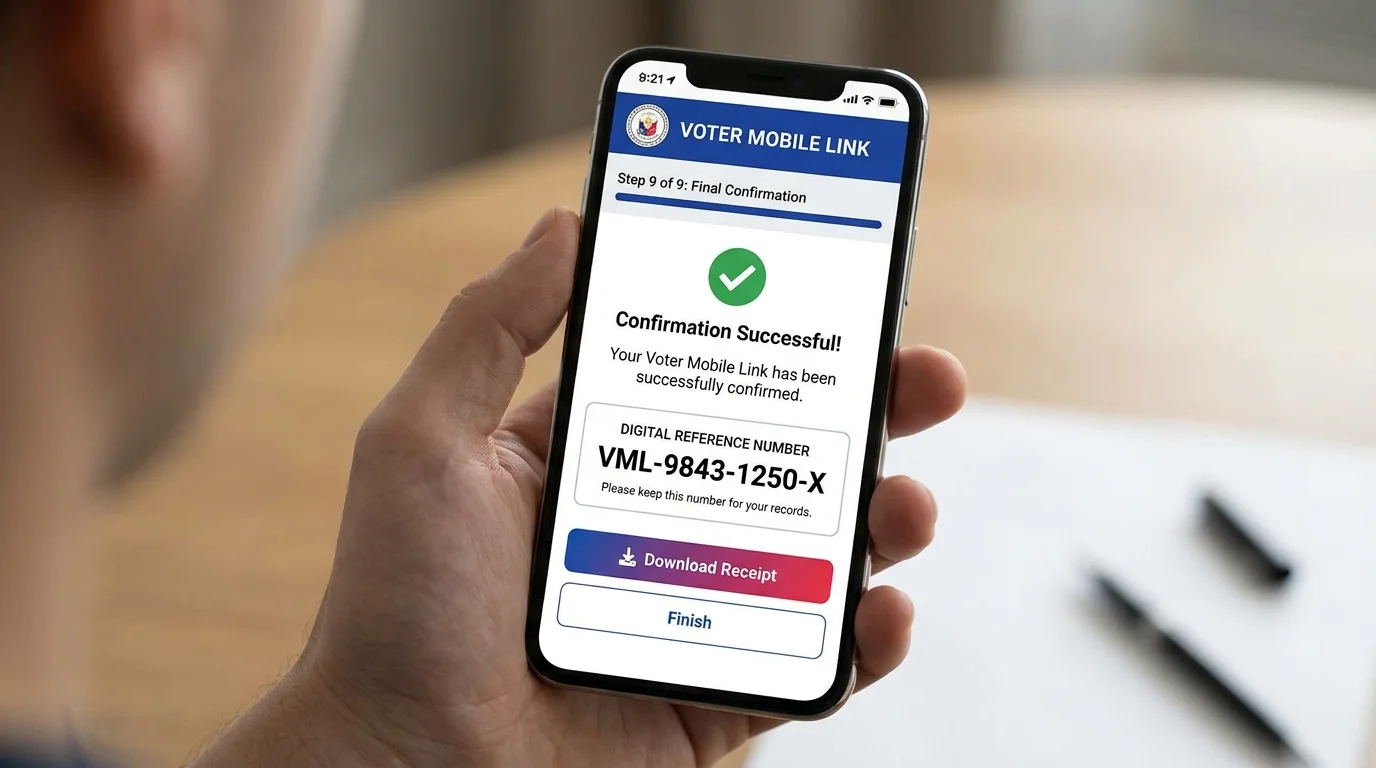
Complete Aadhaar eSign Authentication (CDAC Gateway)
The portal redirects securely to the CDAC eSign authentication gateway to generate your tamper-proof electronic signature.
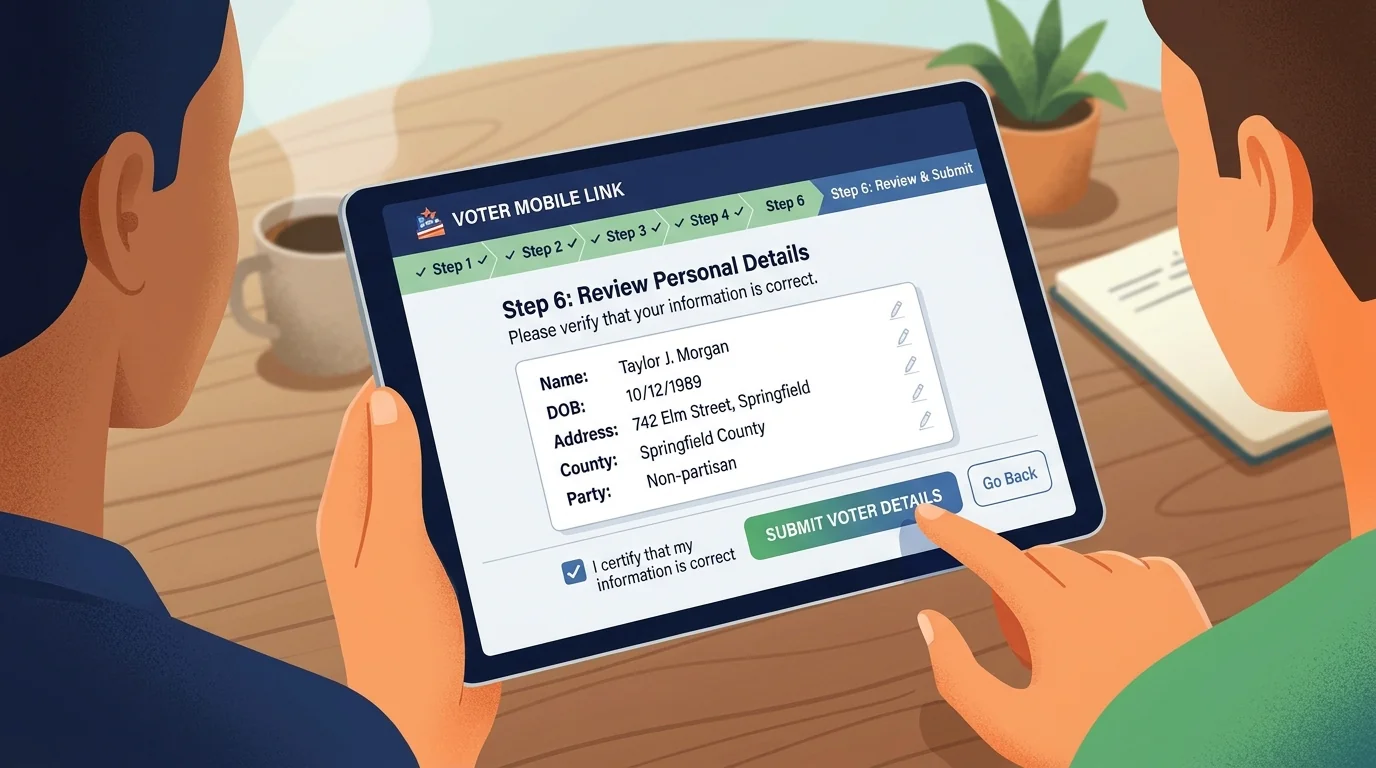
Save Form 8 Reference Number & Download Acknowledgement
Your application is submitted successfully! A popup will display your unique tracking Reference Number (e.g. S2013...). Click 'Download Acknowledgement' to save the official PDF receipt.
Form 8 Mobile Linking FAQs
Common queries about mobile number updation, tracking, and approval.
How many days does it take to update the mobile number via Form 8?
Form 8 mobile linking is typically verified and updated within 24 to 72 hours (up to 7 working days) by your local Electoral Registration Officer (ERO).
Can one mobile number be linked to multiple family members' voter cards?
Yes. While filling Form 8, select 'Mobile Number of Relative' to link a shared mobile number for multiple family members.
How to track Form 8 application status?
Visit voters.eci.gov.in/home/track and enter your unique Form 8 Reference Number to see the real-time approval status.
Is any document proof required for updating only mobile number in Form 8?
No document proof is required if you are only updating your mobile number. Verification is completed instantly via mobile OTP.
Download Your Digital e-EPIC Card After Linking
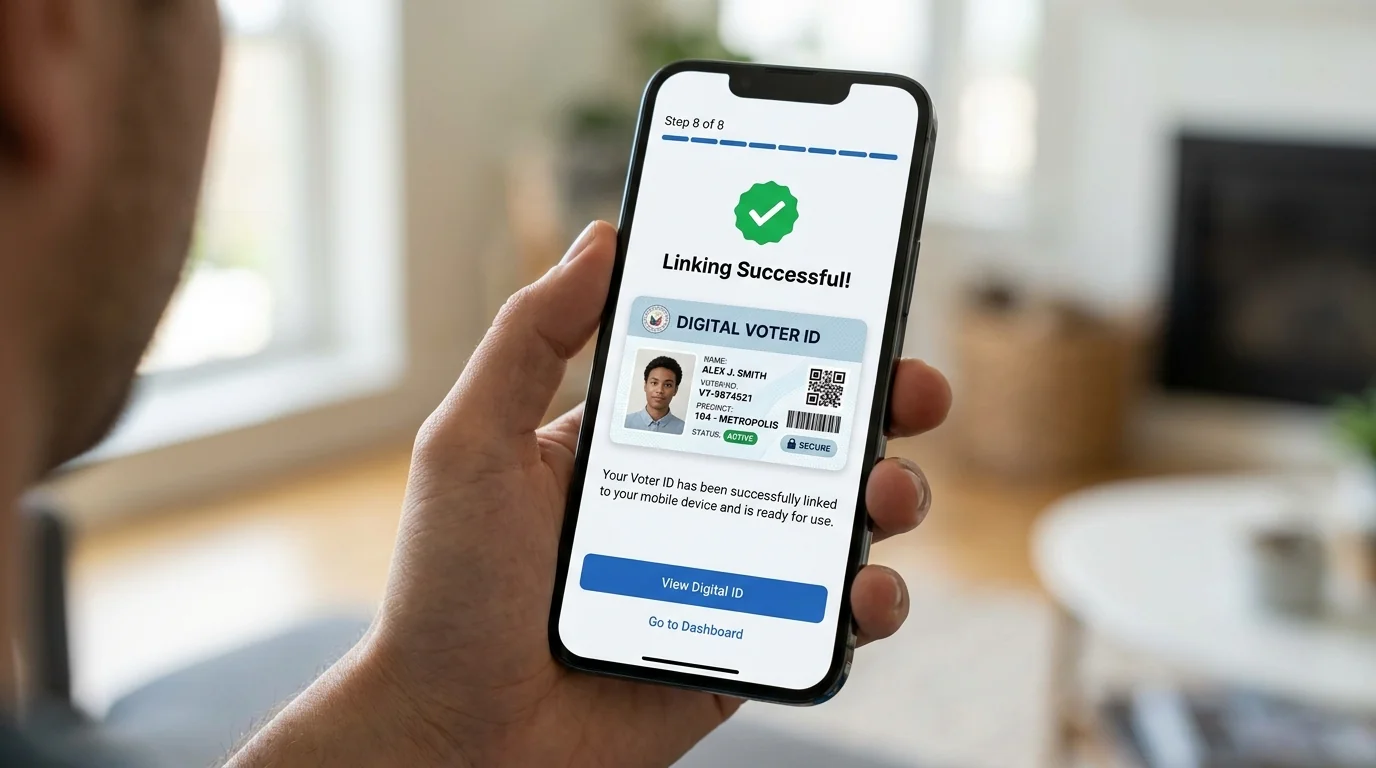
Once your mobile number is approved in the electoral roll, download your digitally signed color Voter ID Card PDF via our step-by-step download guide.