
Download Digital Voter ID Card (e-EPIC)
Directly download your color e-EPIC PDF. You will need your 10-digit EPIC number or Form Reference Number and registered mobile number for OTP verification.
Required Details to Download:
Method 1: Download e-EPIC via ECI Web Portal (voters.eci.gov.in)
Follow these 5 visual steps to download your official digitally signed e-EPIC PDF from your desktop or mobile browser.
Visit Official ECI Portal & Log In (or Sign Up with OTP)
Open the official Voters Service Portal (voters.eci.gov.in) and click 'Login'. Enter your registered Mobile No. / Email ID / EPIC No., type the Captcha, and click 'Request OTP' to authenticate. New users can click 'Sign-Up' to register.
Select 'E-EPIC Download' Option from Citizen Services
After logging in, navigate to the Citizen Services section on the dashboard and click on the 'E-EPIC Download' card.
Enter 10-Digit EPIC / Ref Number & Select State
Select 'EPIC No' (or 'Form Reference No' if newly applied), enter your 10-digit EPIC number, select your State/UT from the dropdown list, and click the blue 'Search' button.
Verify Your Voter Details & Click 'Send OTP'
The portal will fetch your Name, Relative Name, Assembly Constituency (AC), and registered Mobile Number (partially masked). Verify your record and click the blue 'Send OTP' button.

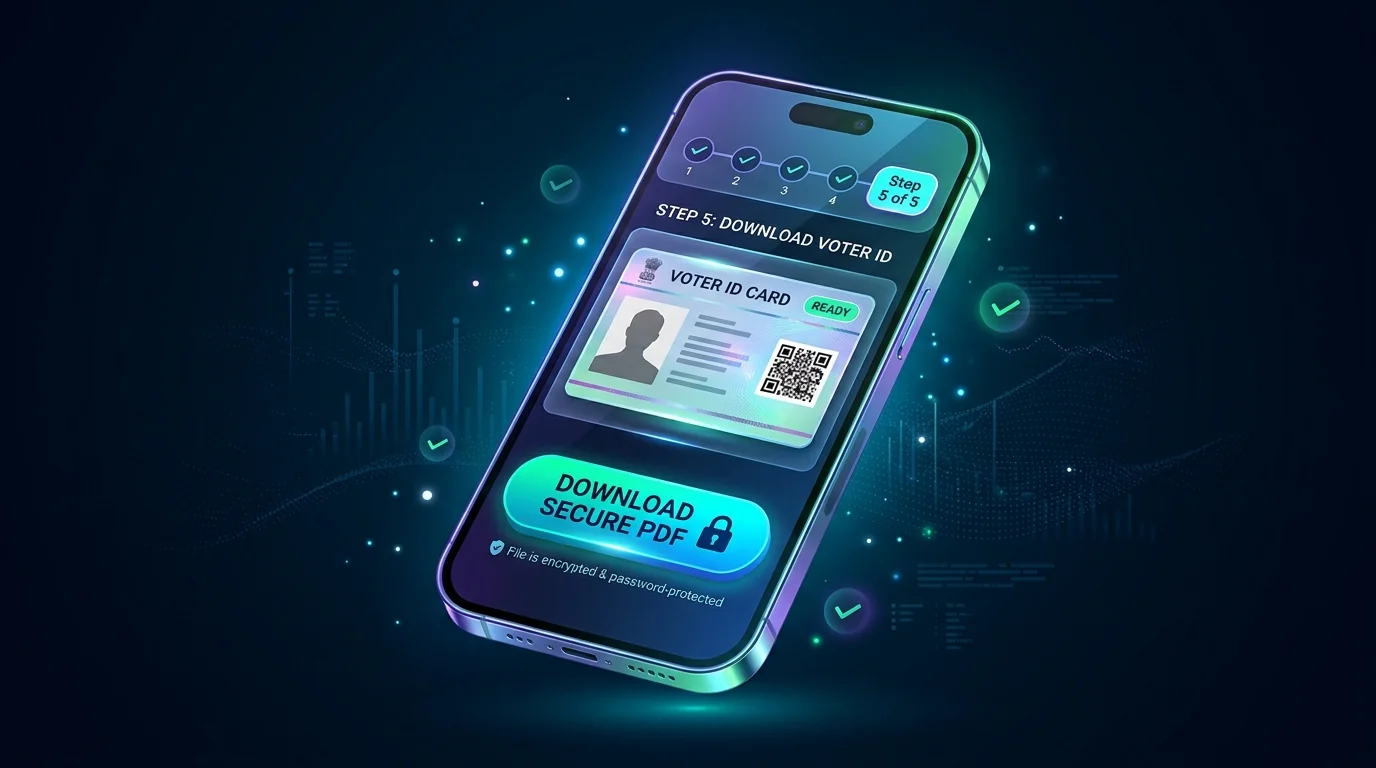
Enter OTP, Verify & Download Color e-EPIC PDF
Enter the 6-digit OTP received on your mobile phone and click 'Verify'. Once validated, click 'Download e-EPIC' to save your official color, digitally signed A4 PDF document containing secure QR code.
Alternative Ways to Retrieve Voter Details if EPIC is Lost
If you do not have your 10-digit EPIC number, use these official lookup methods.
1. Search by Details
Enter your Name, Father's Name, Age/DOB, State, and District on electoralsearch.eci.gov.in.
2. Search by Mobile OTP
Enter your registered mobile number on the search portal and verify with OTP to retrieve your linked card.
3. QR / Barcode Scan
If you have an old physical card, scan the QR code using Voter Helpline App to fetch the digital copy.
How to Use Your Downloaded Digital e-EPIC
100% Valid at Polling Stations
Under ECI statutory orders, a printout of the digitally downloaded e-EPIC is legally accepted on election day for voter identification and casting ballots across all Indian elections.
Color Printing & Lamination Tips
The downloaded A4 PDF file includes both the front and back layouts of your Voter ID. You can get it color-printed on glossy/photo paper and pouch-laminated for long-term physical use.
DigiLocker & Mobile Storage
You can keep your digital e-EPIC saved in your smartphone or pull it into your official DigiLocker account as an authentic digital ID for banking and identity KYC.
Encrypted QR Code Verification
Each e-EPIC contains an encrypted QR code with your demographic details and photograph, allowing election officers and BLOs to verify authenticity offline using the Voter Helpline app.
e-EPIC Download FAQs & Troubleshooting
Common issues regarding OTP delays, download errors, and digital validity.
Why am I getting 'Mobile Number is not registered' error?
This message occurs when no mobile number is linked to your EPIC in the electoral roll. Visit our Form 8 Mobile Linking Guide to submit your update online.
Can I print and laminate the downloaded e-EPIC PDF?
Yes! You can take a color printout of the downloaded e-EPIC on photo paper or regular paper and laminate it. It is 100% legally accepted just like an official PVC card.
What if I forgot or lost my 10-digit EPIC number?
Visit electoralsearch.eci.gov.in and select 'Search by Details'. Enter your Name, Father's Name, Age, State, and District to find your EPIC number instantly.
Will I still receive a physical PVC card after downloading e-EPIC?
If you applied for a new voter card (Form 6) or requested a replacement card (Form 8), ECI will also deliver a physical PVC voter card to your registered address via Speed Post.