
Direct PVC Voter ID Card Online Application
No printing or courier charges
Delivered by India Post Speed Post
With secure QR code & hologram
Facing 'Voter Image not Found' Error During e-EPIC Download?
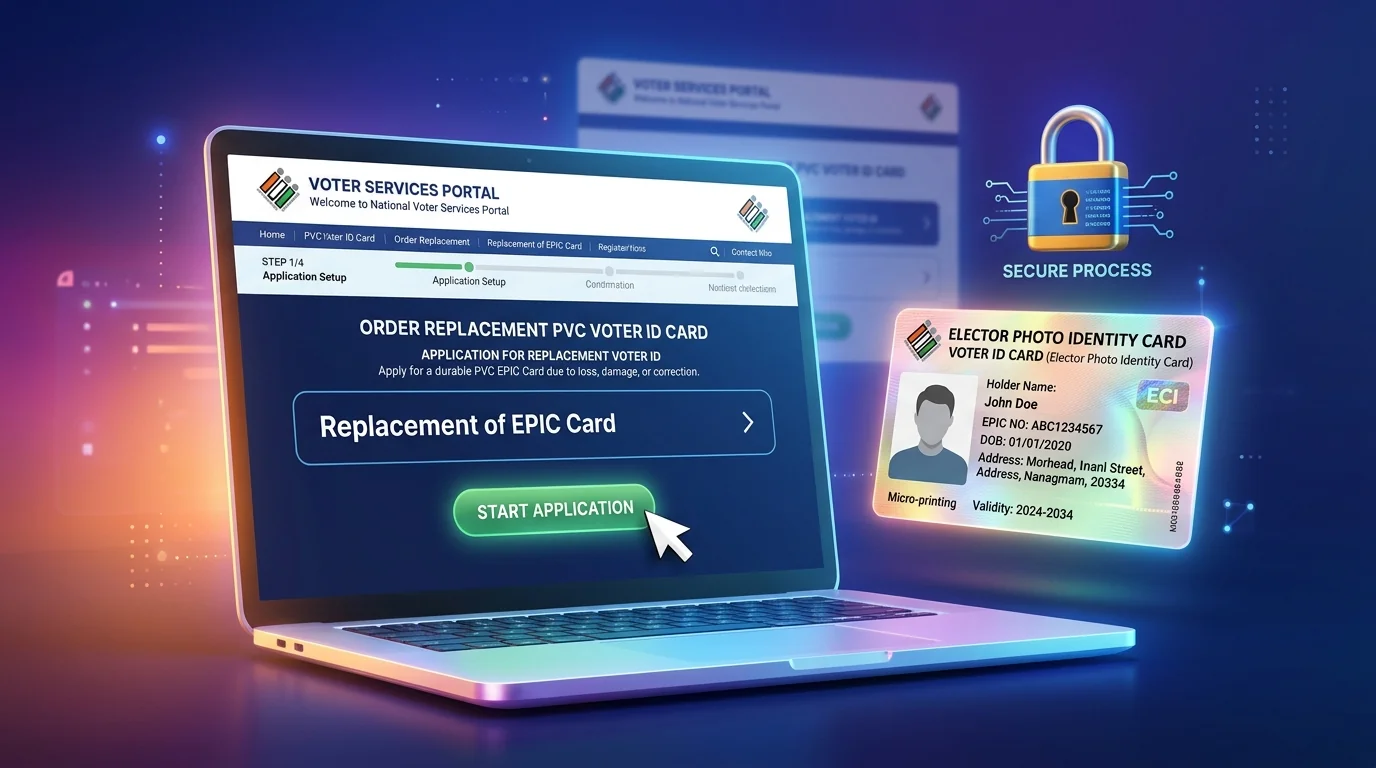
Many legacy voter records lack a high-resolution indexed photo in the ECI digital database, resulting in the red 'Voter Image not Found' error during OTP download. Applying for a replacement PVC card via Form 8 automatically updates your digital profile and prints a brand new card.
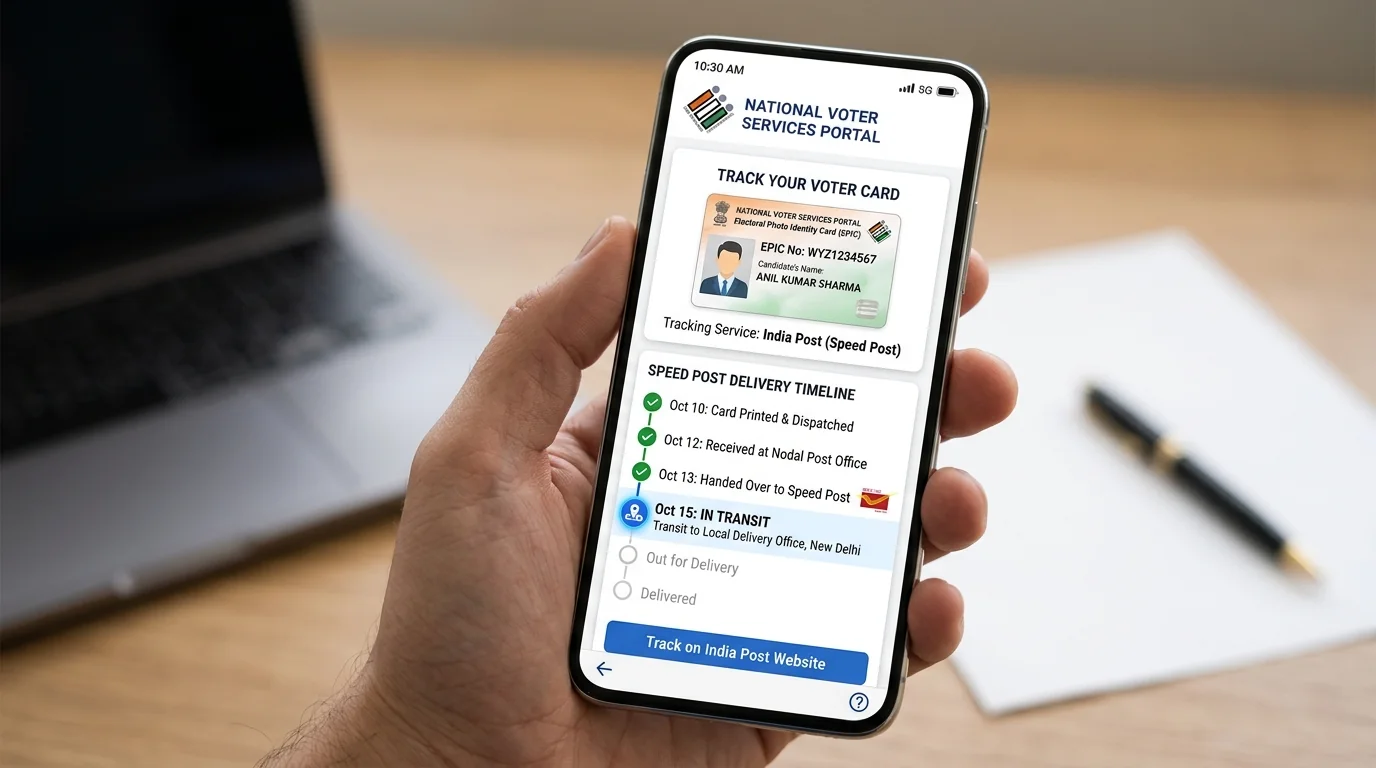
How Ordering a PVC Card Solves This:
- Select 'Replacement without correction' in Form 8.
- Choose 'Destroyed' as reason to avoid FIR document requirement.
- Upon ERO approval, the new PVC card will be dispatched to your address.
Step-by-Step Process to Order PVC Voter ID Card Online
Follow these visual steps to order your free replacement PVC Voter ID card through the ECI portal.
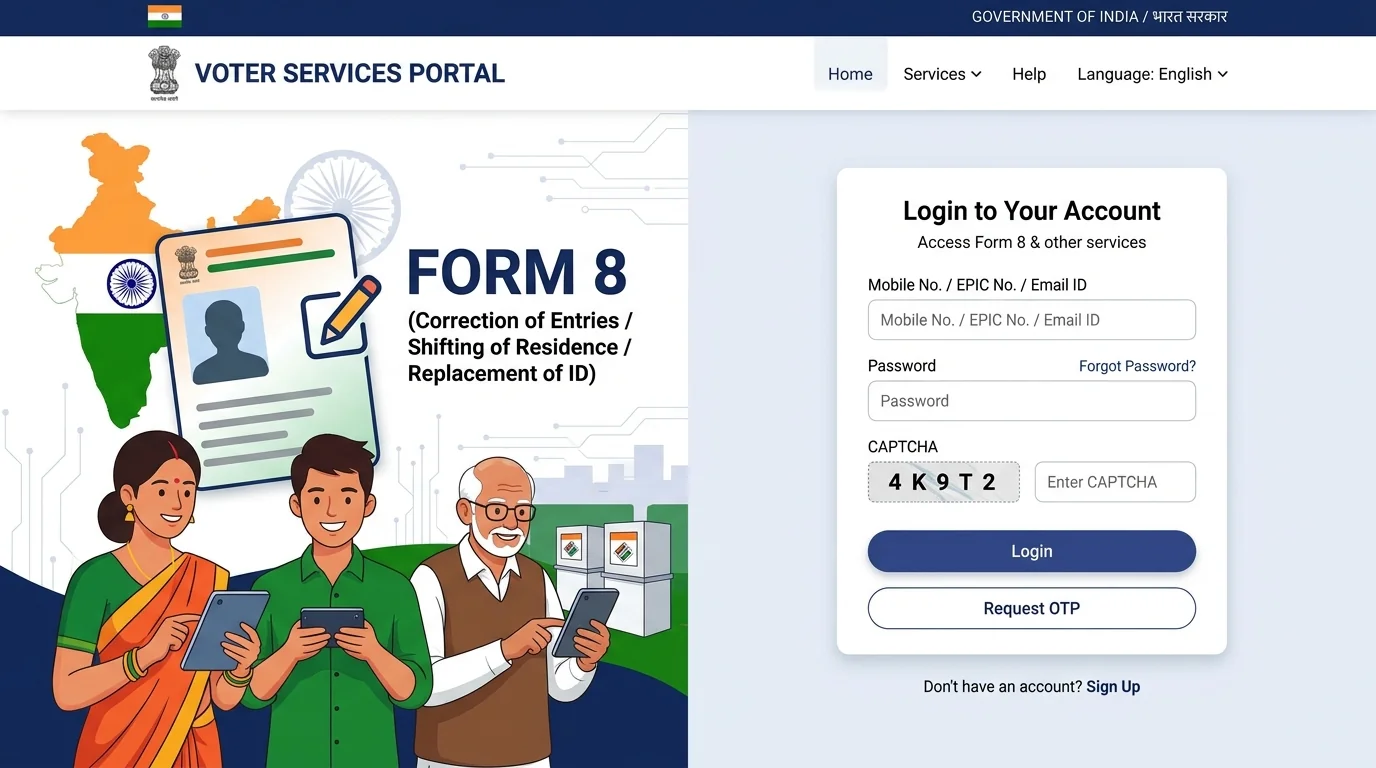
Visit Official ECI Portal & Click 'Fill Form 8'
Open the official Voters Service Portal (voters.eci.gov.in). In the 'Forms' section, find 'Correction of Entries / Replacement of EPIC' (Form 8) and click 'Fill Form 8'. Log in with your registered mobile/EPIC number and OTP.
Select 'Self' & Enter 10-Digit EPIC Number
In the popup dialog, choose 'Self' to order a replacement for your own card (or 'Other elector' for family members). Enter your 10-digit EPIC number and click 'Submit'.
Select 'Issue of Replacement EPIC without correction'
In the application category options, select the third radio button: 'Issue of Replacement EPIC without correction' and click the blue 'Ok' button. This ensures a new PVC card is printed without altering existing personal data.
Select Reason for Replacement & Fill Declaration Place
Under reason for replacement, select 'Destroyed due to reason beyond control like floods, fire, other natural disaster etc.' (this avoids the requirement of an FIR copy). Scroll down to Section D (Declaration), enter your City/Village name in 'Place', and click 'Next'.
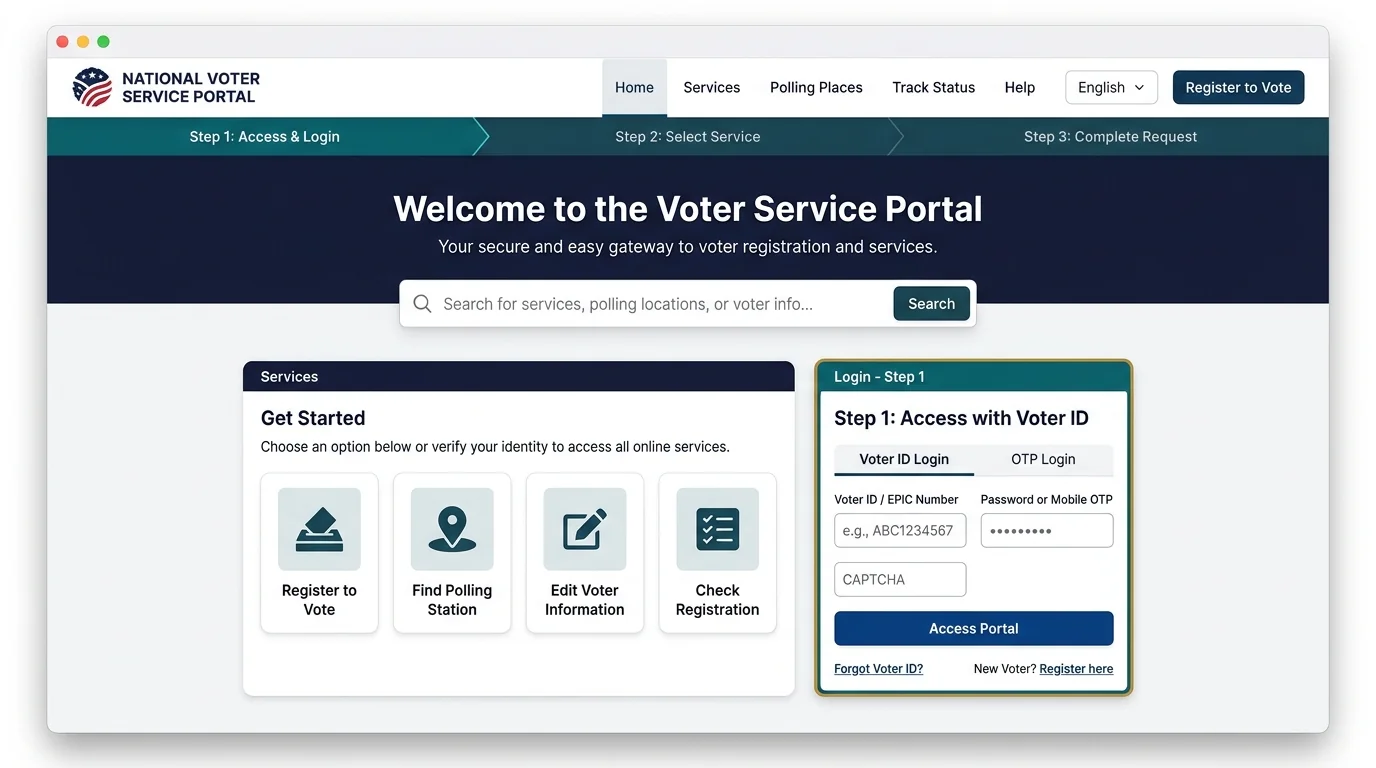
Enter Captcha Code & Click 'Preview and Submit'
In Section E (Submission), enter the Captcha code exactly as displayed on the screen and click the blue 'Preview and Submit' button.
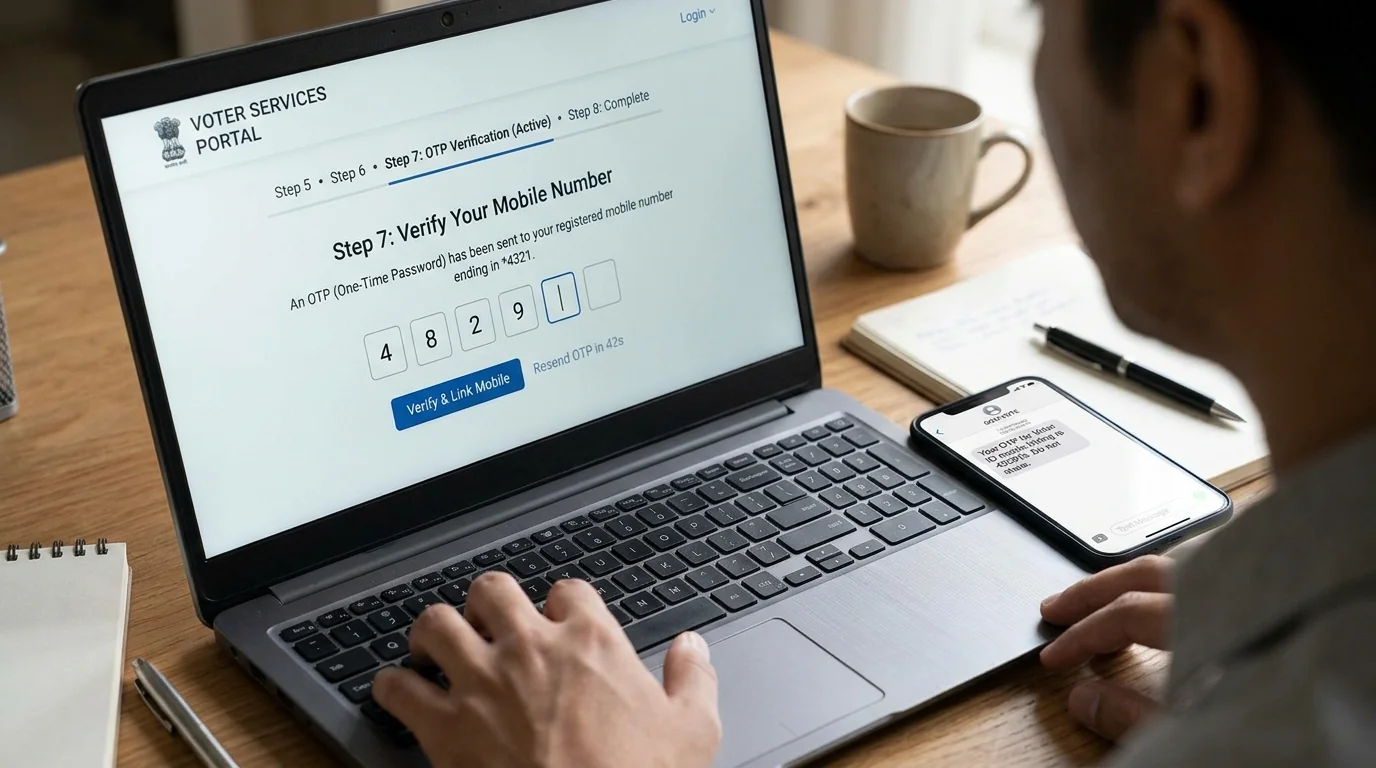
Review Generated Form 8 Preview & Click 'eSign & Submit'
A complete preview of your Form 8 replacement application will appear. Verify that your EPIC number, name, and address are accurate. Click the blue 'eSign & Submit' button.
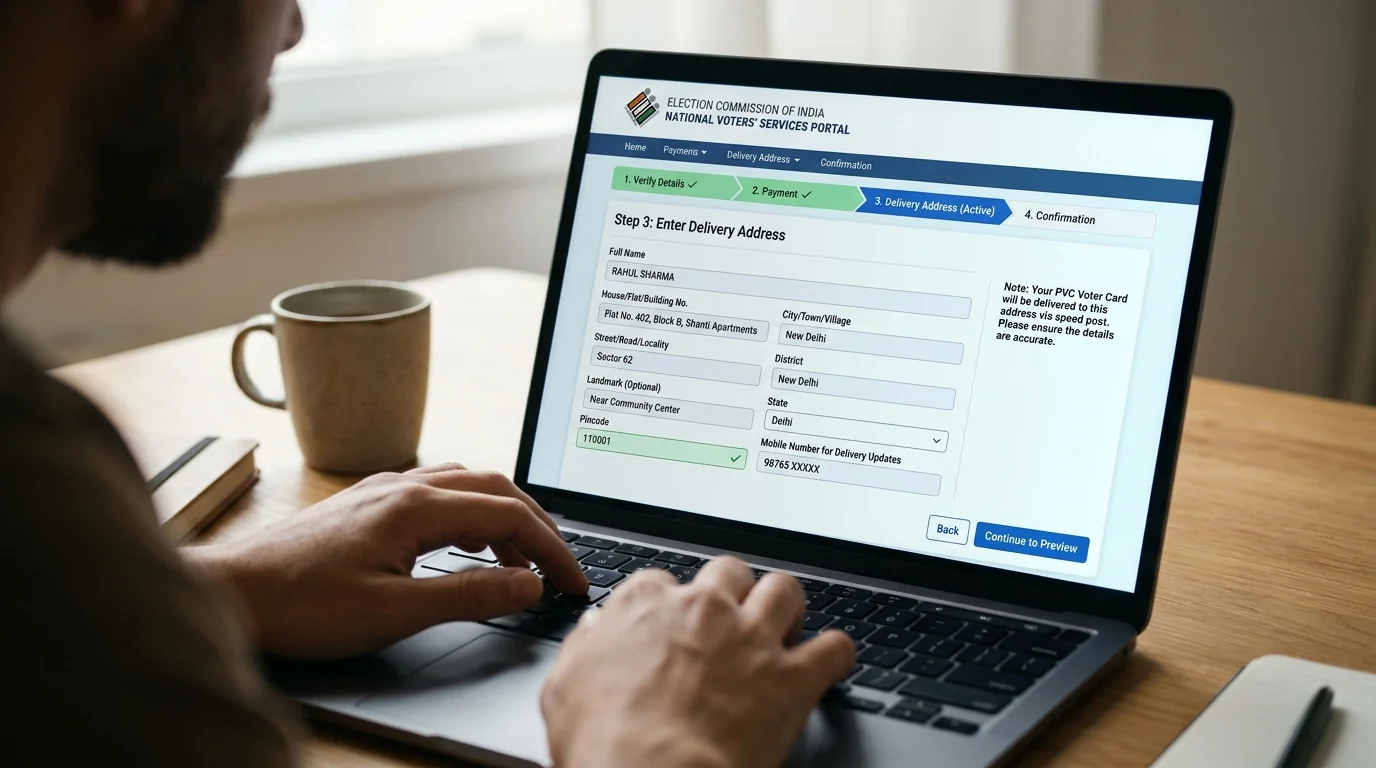
Complete Aadhaar OTP eSign Verification (CDAC Gateway)
Enter your 12-digit Aadhaar Number on CDAC's secure electronic signature page. Click 'Get OTP', enter the 6-digit OTP received on your Aadhaar-linked mobile phone, check the consent box, and click 'Submit'.
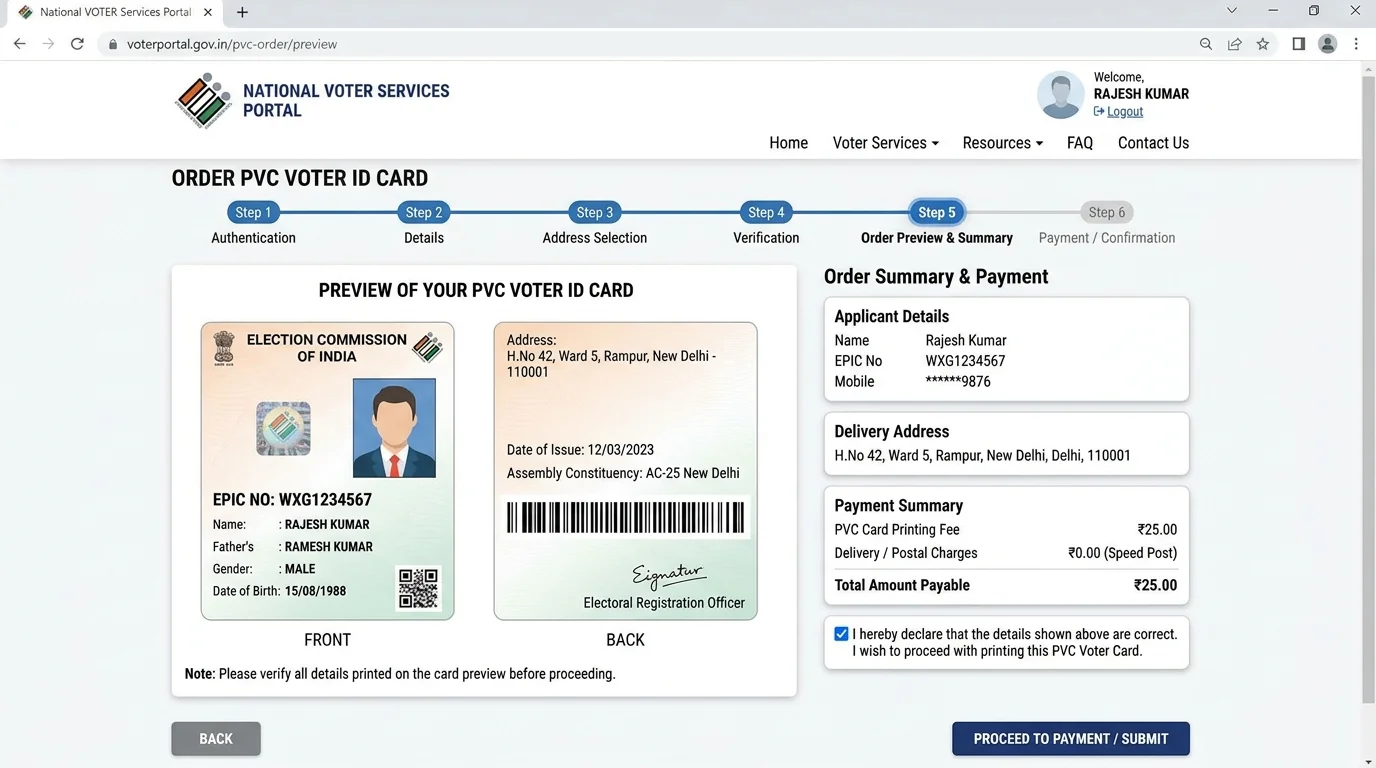
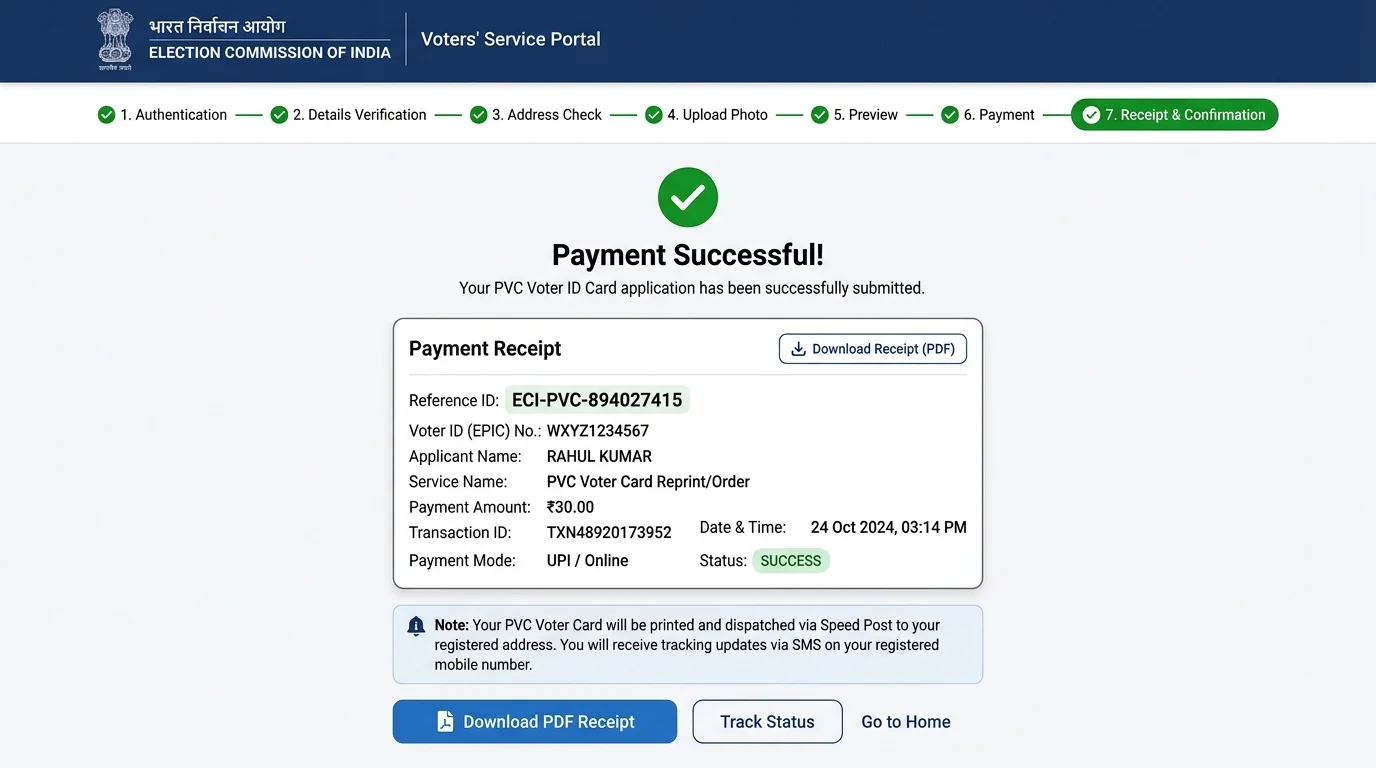
Save Reference Number & Track Free Speed Post Delivery
Your replacement application is submitted! A popup will display your unique tracking Reference Number (e.g. S2013...). Click 'Download Acknowledgement' to save your PDF receipt. Once approved by the ERO, your brand new PVC Voter ID will be delivered to your doorstep via India Post Speed Post.
Which Replacement Reason Should You Select in Form 8?
Understanding statutory requirements for the 3 replacement categories under ECI rules.
Destroyed (नष्ट/क्षतिग्रस्त)
Selected when the card is damaged due to reasons beyond control. No police FIR copy is required for submission.
Lost (खो जाना / चोरी)
Mandatory to upload a copy of the police report/lost property diary along with the Form 8 application.
Mutilated (कटा-फटा होना)
For torn or faded physical cards. Citizen undertakes to surrender the damaged card to local election staff upon delivery.
PVC Voter ID Card Order FAQs
Frequently asked questions regarding PVC card delivery, tracking, and fees.
Is there any fee or charge for ordering a PVC Voter ID card?
No. The Election Commission of India provides the replacement PVC card and Speed Post delivery completely free of cost.
How long does it take for the PVC Voter ID card to be delivered at home?
Once Form 8 is approved by your ERO, the printed smart card is typically delivered within 15 to 30 working days via Speed Post.
How to track PVC card application status online?
Visit voters.eci.gov.in/home/track, select your state, and enter your Form 8 Reference Number to monitor the approval and dispatch status.
Is digital e-EPIC valid until the physical PVC card arrives?
Yes. A color printout of your downloaded digital e-EPIC is 100% legally equivalent to the physical PVC card for casting votes and identification.
Explore Other Voter ID Card Services
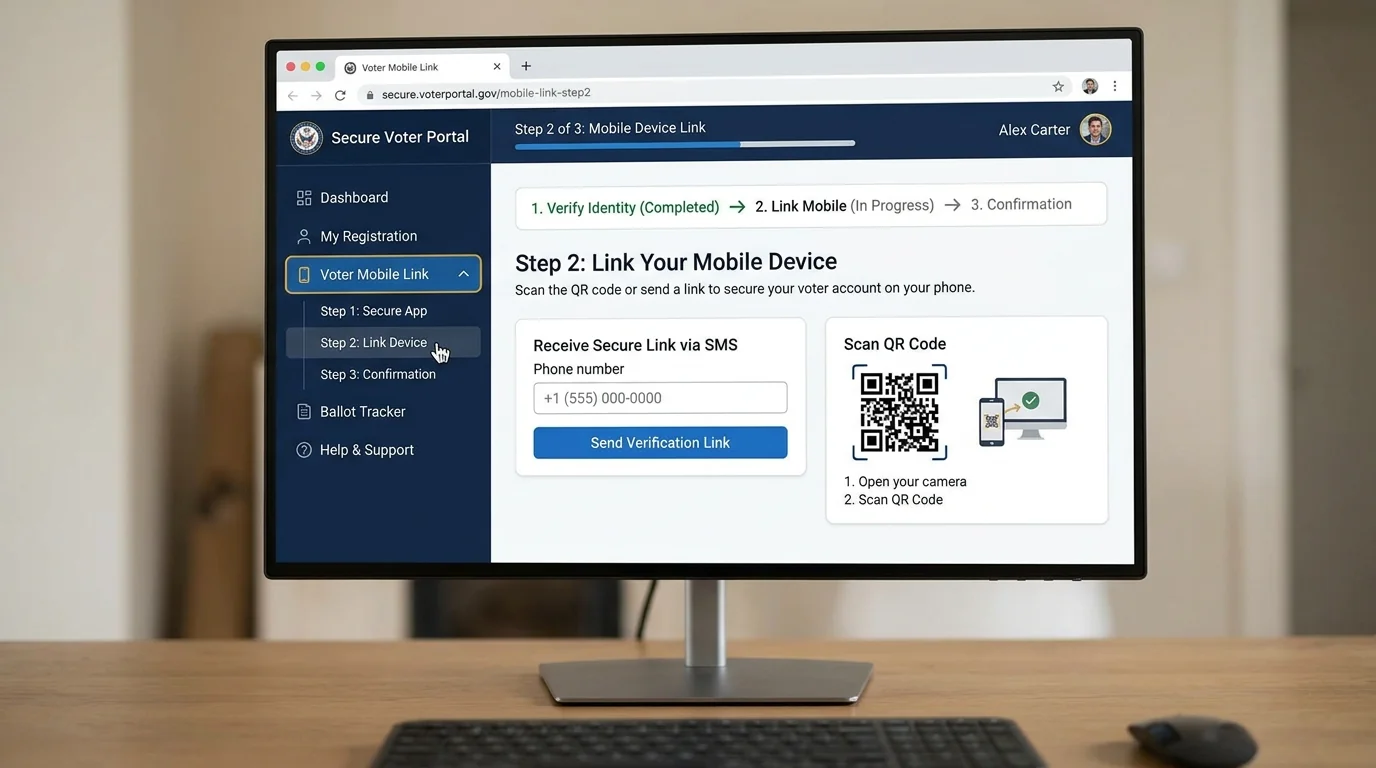
Download your instant digital e-EPIC PDF or link your active mobile number online.